
My Evolving Workflow: Tools & Methods for Building With AI

I. Introduction
Self-disruption is a central part of my personal ethos — an adaptability mechanism that I believe was forged in the trenches of early life. With that ethos, I made a series of promises early in my career. In January 2025, I fulfilled one of those promises when I decided on a career break (full story here). Since January, I’ve been resting, reflecting, reading, and writing a lot. I’ve also been investing more time to do hands-on AI learning by building and tinkering with different AI tools. In this short article, I am sharing an evolving workflow I use when when ideating, prototyping, and creating with the help of AI. This is far from a playbook; instead, think of it as a peek into a messy, iterative, creative, tinkering process. If you’ve read my other essays, you’ll see that this is continuation of my mission to make sense of and document how AI will shift the way we design and build digital products.

II. Tools & Workflow
1. Exercise-induced ideation
Most ideas hit me mid-workout or mid-walk. There is something about physical exertion that does wonders to the mind. However, it is hard to write down an idea or a string of ideas while lifting, running, climbing, crossing a busy intersection.

2. Speech-to-text tools to capture ideas in the wild
I often dictate my thought streams into speech-to-text tools like the one implemented in ChatGPT. OpenAI’s Whisper is magical. Ten Siris and four Alexas combined couldn’t keep up. I dump as much detail as I can (quirks and all, which I got plenty of) before the spark dies. Sometimes I’ll talk (or whisper) into ChatGPT directly, copy what it captures, and paste it somewhere else.

3. Grok helps me ask the right question(s)
I paste my raw idea into Grok. I ask Grok to “help me turn this idea into a proper prompt.” What Grok does well is push me into system-level thinking: not just what’s the idea, but what’s the structure, MVP, and set of questions to explore. I reach for Grok when style isn’t as important as content—when I want a little more truth, a little less literary embellishment.

4. I iterate on the idea with ChatGPT, outputting a vision and MVP doc
With Grok’s engineered prompt, I swing over to ChatGPT. Together we draft a concept doc. I’m always specific that we start with a clear Northstar and end with a crisp MVP. Sometimes I’ll even run a deeper “market” and competitive analysis in both Grok and ChatGPT (i.e. deep research), then use those results to refine the north star and MVP.

5. Enter Firebase Studio for initial prototyping
Once the doc feels solid, I move to Firebase Studio. After a minute or two, out comes a short beautiful “Firebase Blueprint.” That’s the start of a prototyping flow I’ve begin to fall in love with. Firebase Studio is chef’s kiss for designers and tinkerers. The prototyper is gold. The code view? Kinda not so good, for now. Sorry Google.
I spend anywhere from a day to a week iterating on the UI flow and scaffolding. Updating the concept doc. Re-thinking. Sitting on the idea until it starts to feel real, or not.

Note: this is where I dream of SketchPrompt filling the gap and providing solution for visual thinking. Google’s sketch-annotation feature is shoddy at best. But don’t worry, SketchPrompt is available in Firebase Studio’s code view.
Another note: I have tried the other tools (e.g. Lovable, Builder.io, etc.). No comment for now.
6. Transitioning to GitHub → Cursor IDE
When the prototype has legs, I push from Firebase Studio to GitHub, then pull it local into Cursor IDE. Cursor gets hate, but man, it’s the near-perfect “idea → something” tool. God bless them if they figure out the business.
My first step in Cursor is to provide a lot of context. I mean A LOT. One of the most important artifacts is a backlog doc and sprint plan. I co-write this with one or more of the AI models available in Cursor. I do a lot of manual writing and reviewing here to ensure accuracy in intent capturing. Only then do I dive into the code. That combination of human intent + AI-aided scaffolding is where a fuzzy prototype finally starts becoming an early version of an actual product.

7a. Long stretch of refinement
This long iterative stage often feels like 40% documentation, 30% exploration, 20% coding, 8% testing ↻ deploying, and 2% just pausing to recuperate from the highs of awe and lows of frustration. Regardless, Cursor makes it easier for me to zoom into whatever I’m building and define+refine with incredible ease and precision. Keep in mind that all of this is possible with Cursor and the foundational generation AI models at their infancy.
This is the stage when an idea really crystallizes: decisions get made, tradeoffs get exposed, and you start to see if the thing in your head might actually work in the real world. Spend enough time here and you become familiar with the cycle of disillusionment and mini-identity crises that precede the cycle of extreme creativity and optimism.
7b. Google Chrome DevTools
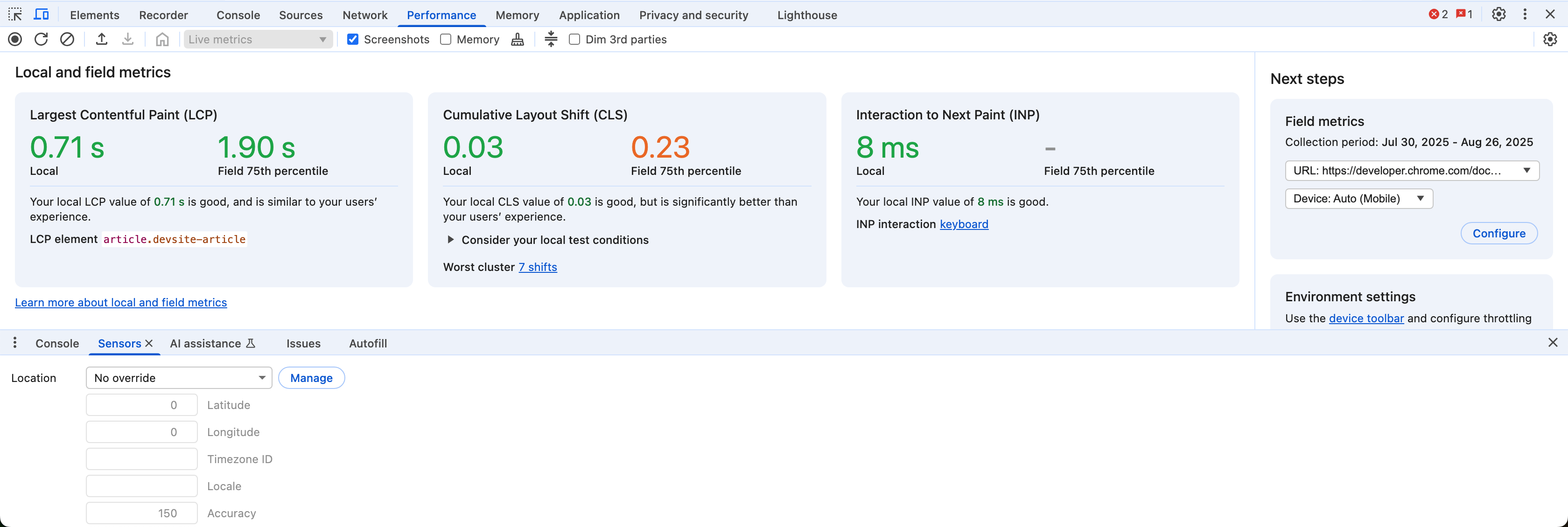
Alongside Cursor, I lean on the humble but powerful Google Chrome DevTools. I use the inspector constantly to debug and refine the UI, check layout behavior, and tweak styles live. On top of that, the built-in performance measurement tools (like Lighthouse audits and Core Web Vitals metrics such as LCP) give me a window into how what I am building might behave in the wild. It’s not glamorous, but pairing these simple tools with AI accelerates iteration in surprisingly human ways.
Note: at this stage, the usage of Git is critical. And I wrote in a previous article: everyone needs to be Gittin’. Oh, and deploy on Vercel, it’s a godsend!
III. Miscellaneous notes from the trenches
1. Backend pains
Even with AI-enabled editors like Cursor accelerating prototyping and shipping, error management in backend systems is still brutal. If you underestimate it, it will derail you fast. Last week, as I juggled multiple APIs, dependencies, and edge cases, my “little” prototype above started throwing more errors than I could track. I hacked together a homegrown logger.js just to survive. AI in its current state can help you move faster, but once backend complexity enters, momentum gets taxed.
BGNG - a new experiment in the making.
And then comes the database. Supabase is fantastic for speed, but under the hood it’s PostgreSQL. Postgres is not as easy to use and less flexible compared to NoQSL databases like Firestore. With PostgreSQL, schemas, migrations, indexing, connection pooling, row-level security, and more concepts add layers of complexity that make precision and deterministic prompting/querying/coding a necessity. I’ve learned the hard way: don’t mix backend (and security work) with impatience. Take your time, revisit fundamentals, and don’t ship a backend you don’t fully understand. Pair with an expert. Save yourself.
2. Security
Security is still far too manual and dangerously easier than ever to harm yourself and others as you try to ship. Consider working with an expert early to avoid costly mistakes, or running in a sandbox. A few companies are experimenting with ways to make this easier. I’ve tinkered with Lovable, Builder.io, Google’s Firebase Studio, and was reading into an acquisition of Sandbox.io. I am excited for new companies and solutions that will be popping up to tackle problems in this security space.
3. Visual Thinking & Prompting
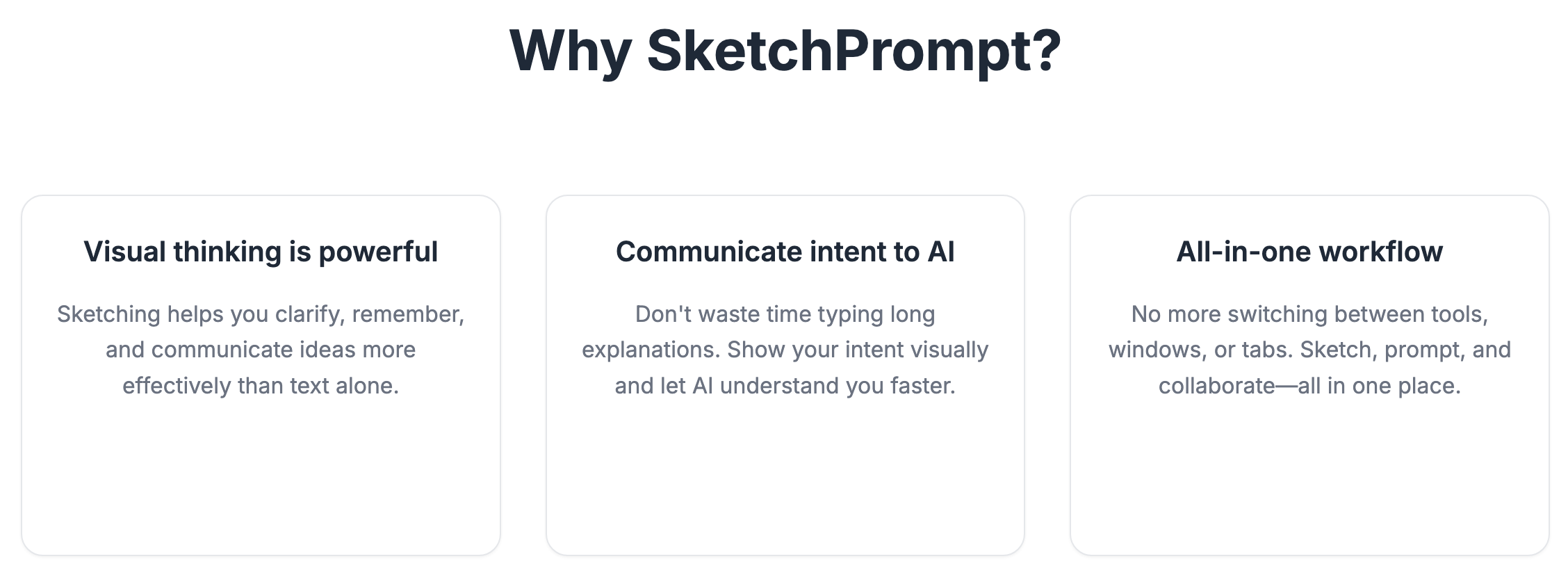
SketchPrompt is a little test—an MVP of an MVP to an end-to-end product design and development platform I hope “someone” builds soon. It’s a tool I built for myself and 220+ others that have downloaded it so far (since less than 6 weeks ago). Low fidelity tasks like sketching, diagramming, annotating become high impact tasks when working inside AI-enabled tools, or generally when interacting with language models. So much so that Google tossed a half-hearted attempt at enabling such a feature into Firebase Studio.
IV. Conclusion
From what I see, we’re not close to the utopian world of “super-intelligent” AIs. Nor are we on the edges of a dystopian worlds as depicted by shows like Black Mirror, West World, and Upload. However, don’t underestimate the trajectories infant companies and tools will set us on. Indeed, the generative AI materials and tools we’ve been handed in the last 3 years are wild. It’s a continuation of the democratization of productivity, creativity, and prosperity on the scale of steel, electricity, computers, the internet, phones, etc.
The innovation from the last few months is already shifting tools and methods for creativity and productivity. Almost every industry and person is being invited to adapt. And that’s why I am obsessing over transdisciplinary product making as a stepping stone toward a post-disciplinary future that will define a world of unprecedented abundance compared to the one we currently live in.
I will not blink in the journey to that future, which is already here today. Hence, for me, living and building for and in that future starts in the small, simple, yet messy workflows of today. I am diving (not just dipping my toes) into this imperfect, chaotic, and promising moment of human history—to disrupt myself before I get disrupted.
If you’re on the fence about experimenting with AI in your own workflow, just start. If you are on the fence about going deeper, go deeper. Even if your strokes are random, uneven, childlike, uncertain. Ignore the noise. Reduce consumption. Increase production. Take a damn risk. This is the moment you’ve been waiting for.